01
Start from the workspace
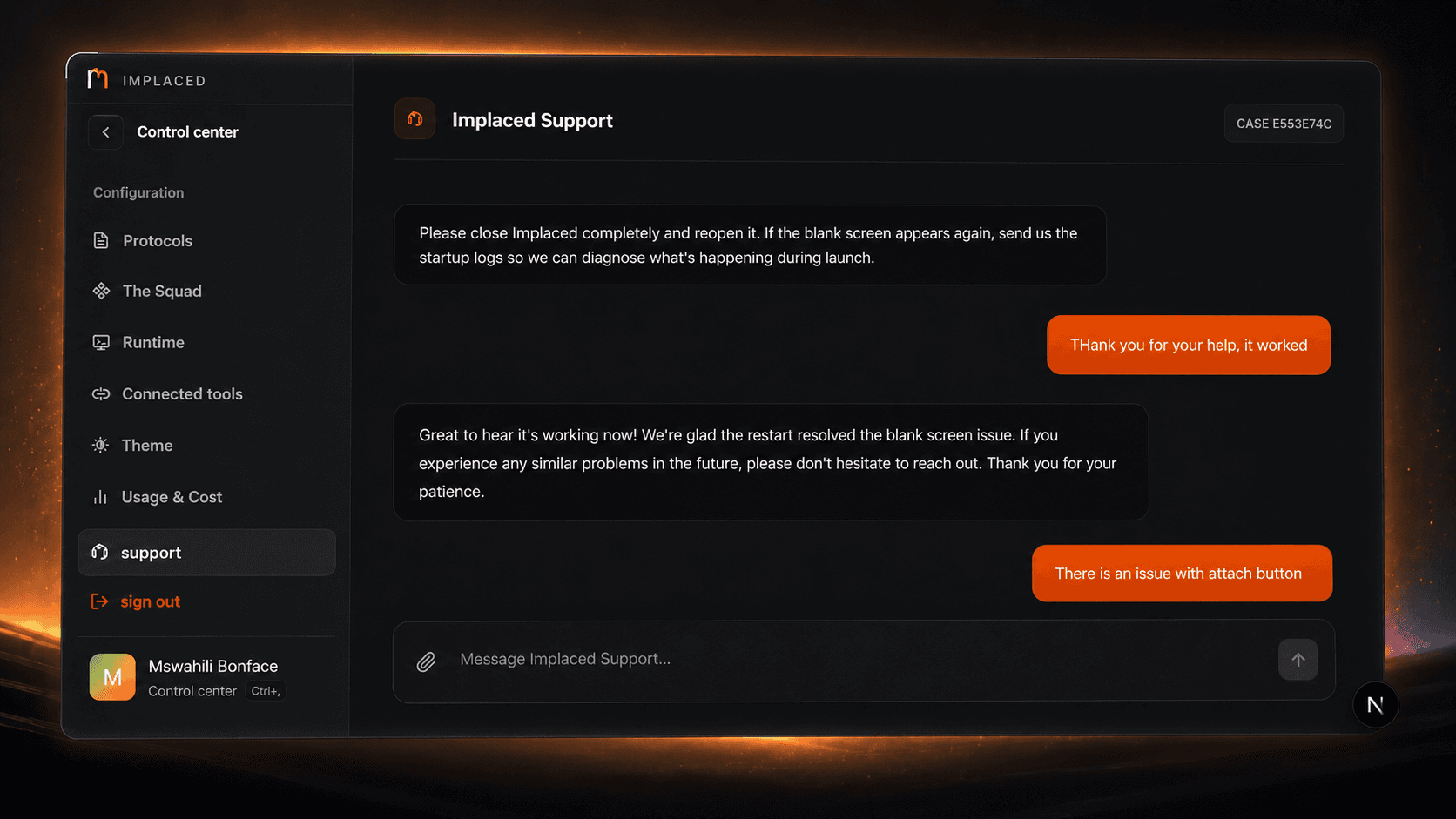
Use in-app Support when the problem happened inside Implaced. The case stays connected to the workspace instead of becoming a detached message.
Use Support inside Implaced for product issues, provider requests, and model requests. It keeps the report close to the workspace.
How support works
Implaced Support is not just a mailbox. It is where the team can understand what happened, what the app showed, and which workspace flow needs attention.
Use in-app Support when the problem happened inside Implaced. The case stays connected to the workspace instead of becoming a detached message.
Tell us what you tried, what you expected, and what actually happened. A precise report is faster than a long report.
Screenshots and logs are useful for blank screens, startup issues, provider failures, layout problems, and agent behavior that needs diagnosis.
Follow-up decisions, previous replies, and reproduction steps should stay in one case so the team does not restart from zero.
Blank screens, failed startup, broken buttons, provider errors, installer problems, and agent behavior that needs a real diagnosis.
Send the provider name, endpoint shape, model list, pricing or credits, caching behavior, and the kind of work you want it to handle.
Tell us the model, the provider, and whether it should serve planning, product edits, verification, repair, or general workspace help.
Use Discord for community discussion, preview feedback, and quick signal while the in-app Support flow handles cases that need workspace context.